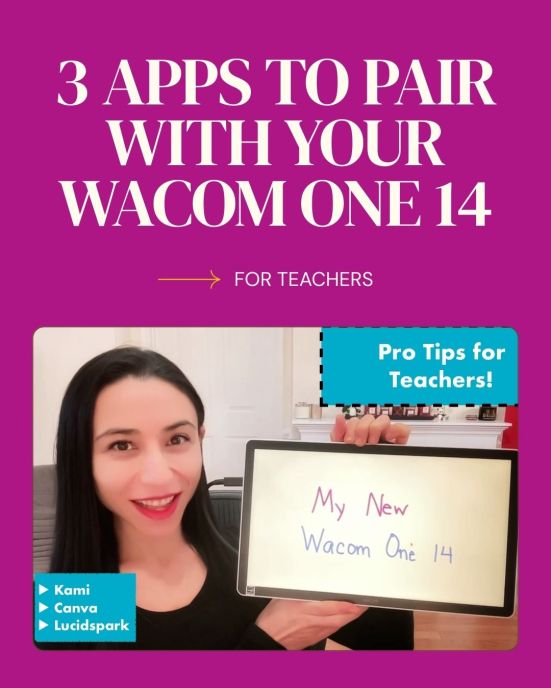
The one accessory to my laptop that I can’t live without is my Wacom tablet. I’ve tried a variety of models over the years, and nothing compares to the writing experience the Wacom offers.
They recently released the Wacom One 14, and I’m excited to share not only why I love this new tablet, but also my favorite apps to pair it with as a teacher.
Here’s what stands out:
▶︎ One USB-C connection (no dongles, no wall power)
▶︎ Slim, lightweight, and portable
▶︎ A natural writing experience, with no pen charging or batteries to worry about
▶︎ Works with Mac, PC, and Chromebooks
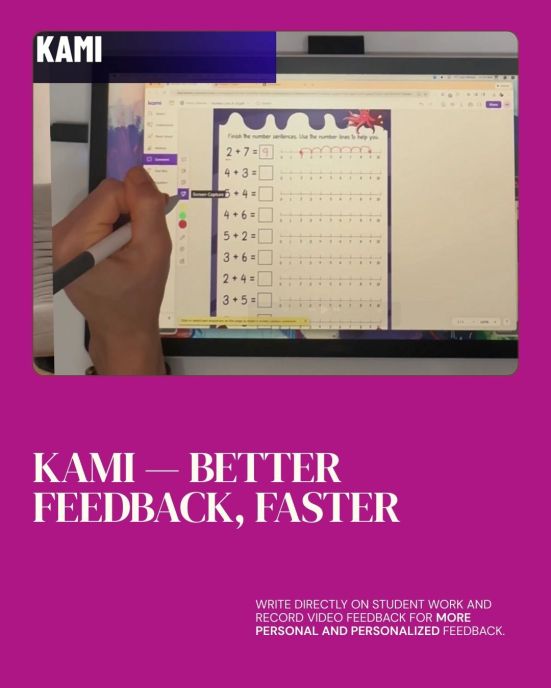
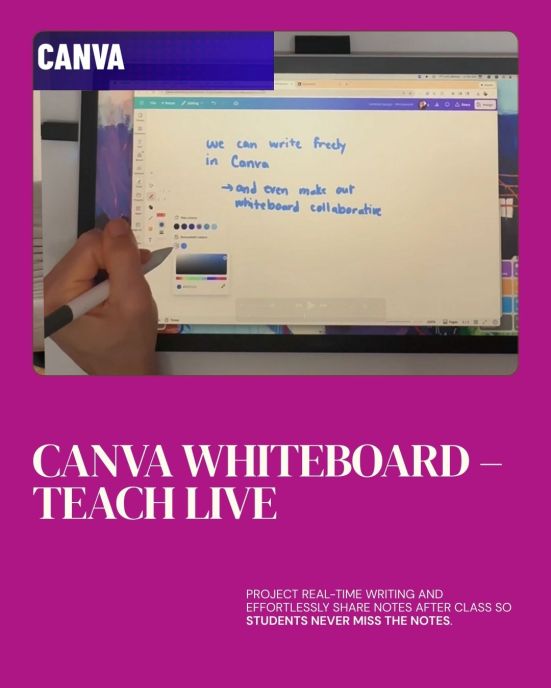
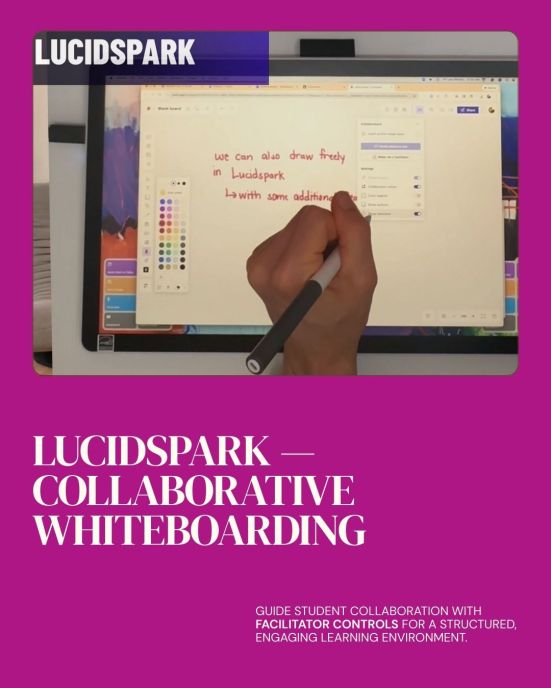
Paired with tools like Kami, Canva‘s Whiteboard, and Lucidspark, the Wacom One 14 makes it easier to:
✔ Give more personal feedback
✔ Teach live while creating shareable notes
✔ Guide structured student collaboration
I walk through these app pairings and more details in my full review:
 techieMusings